


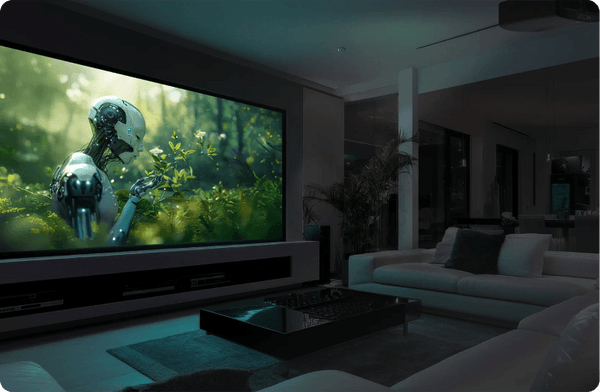


The Epson collection
Bring your big picture to life.
Bright color. Immersive home cinema. Big-screen gaming. Find your Epson, then build the right setup around it.
Start with your space
One brand. Your kind of big screen.
Find your Epson
Choose your level of home cinema.
The LS12000 offers motorized lens adjustment and lens memory for a dedicated theater. Compare it with the QB1000 and QL3000 below.
LS12000 / Dedicated home theater
- Free $200 Gift
- $100 Cash back

$5,999.00
- Resolution: 4K
- Status: In Stock
- Refresh Rates: 120 Hz
- Lumens: 2700
- Light Source: Laser
- Projector Type: Standard Throw
- Dynamic Contrast Ratio: 2,500,000:1


The complete collection
Shop all Epson.
Epson
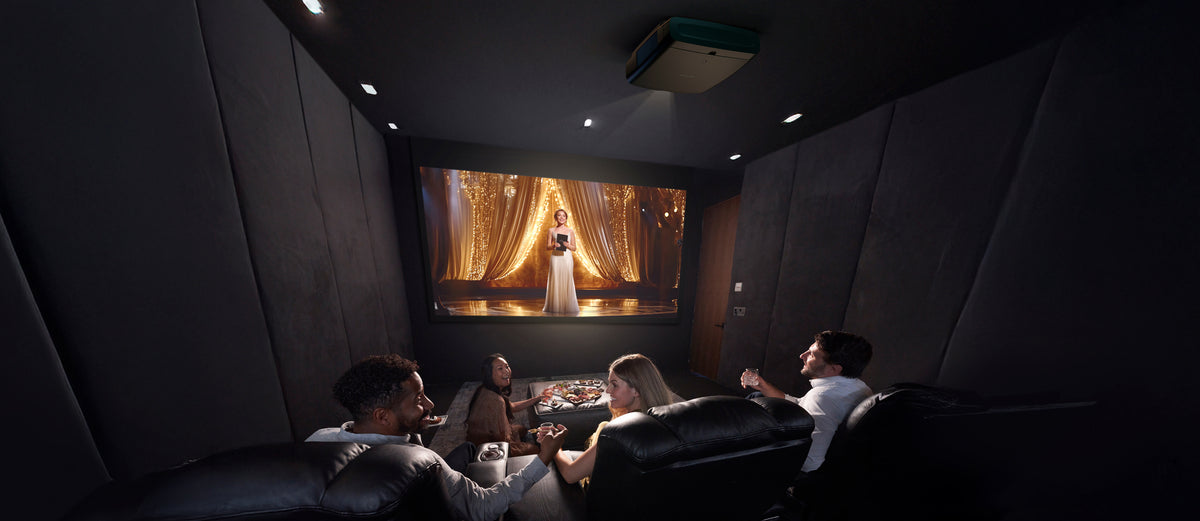
Epson Q-Series / Premium home cinema
Brightness is just the beginning.
The QB1000 brings Epson’s premium picture processing to home cinema. The higher-output QL3000 opens up more ambitious screen sizes and multipurpose spaces. Choose the projector around the image size and light in your room.
3LCD. No rainbow effect.
Red, green and blue appear together in every frame, avoiding the color breakup some viewers notice with single-chip DLP.
A cleaner laser picture
Epson’s laser-phosphor optical design addresses the coherence that causes laser speckle.
4K/120 gaming
QB1000 and QL3000 accept 4K at 120 Hz from compatible consoles and PCs.

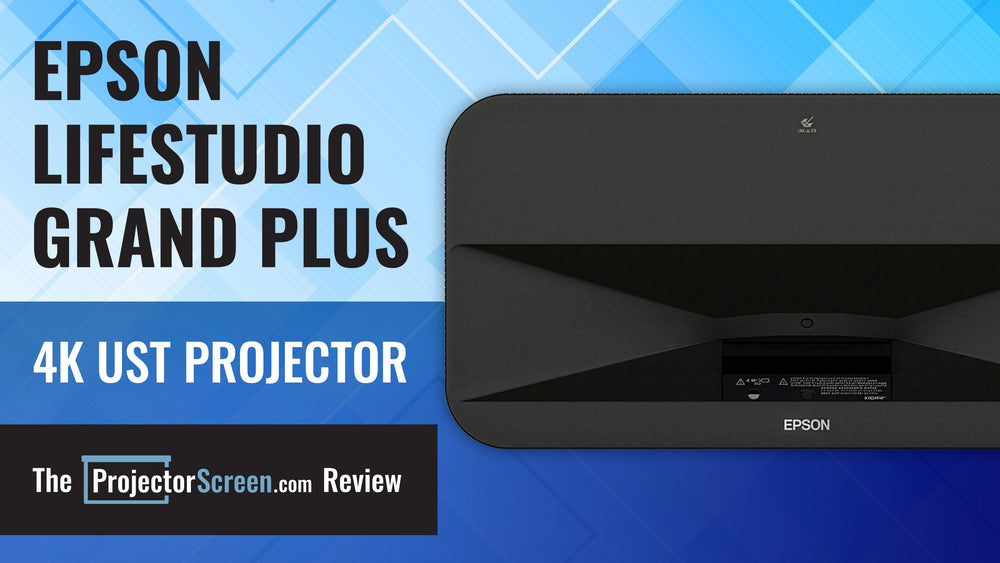
LifeStudio / Ultra short throw
Short on distance. Big on possibility.
LifeStudio Grand Plus puts the projector at the front of the room. Check cabinet depth and screen placement together before choosing your installation.
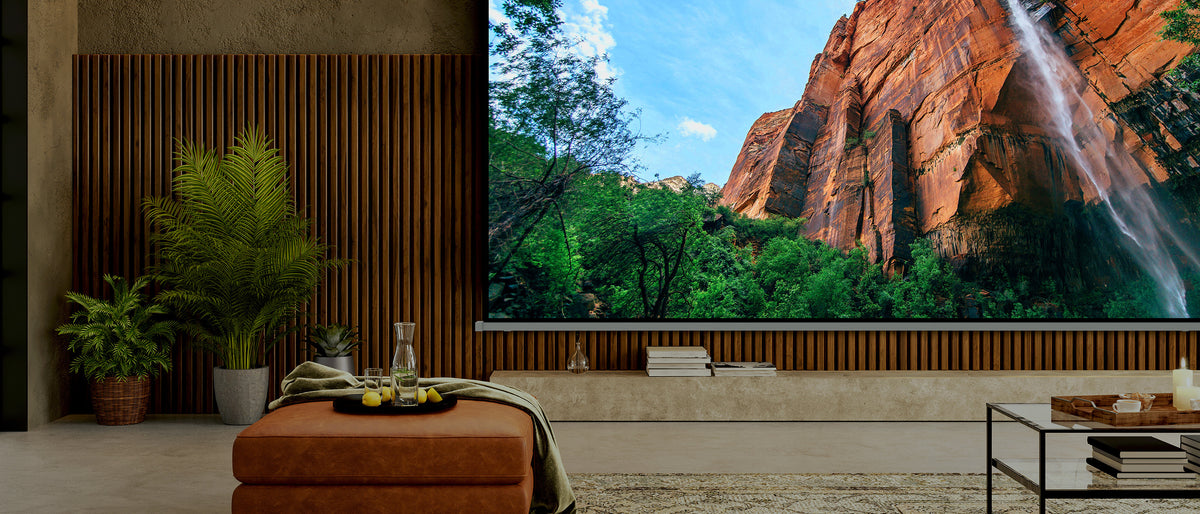
The other half of your picture
Match the screen to the room.
Screen material, gain and size affect how much of your projector’s performance reaches your seat. Build the pairing as one system.
For ultra short throw
Ask about UST-compatible ALR screens, including Spectra Projection Vantage.
For standard throw
Choose material and gain around your throw distance, screen size and room lighting.
From our test room
See beyond the spec sheet.
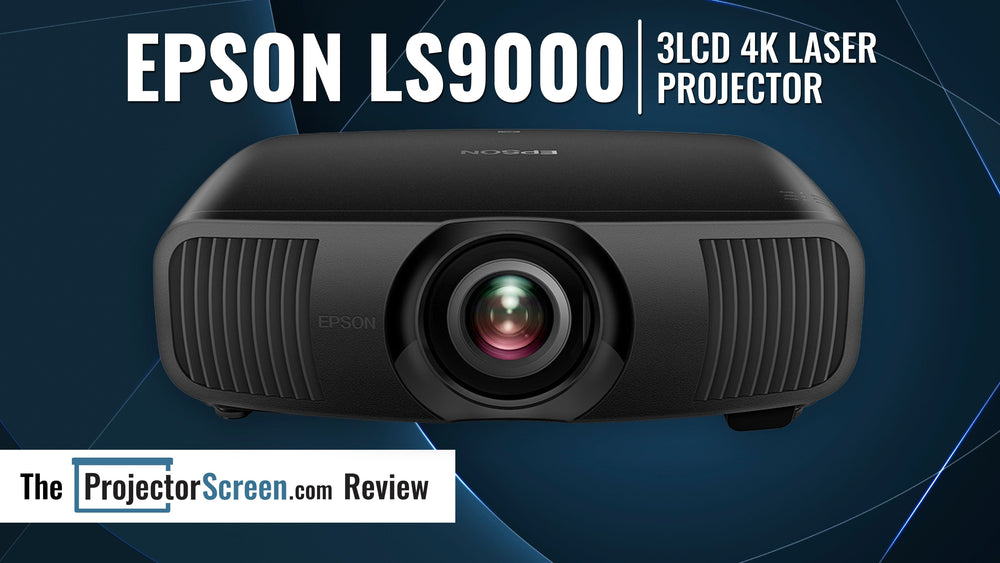
PowerLite / Business & education
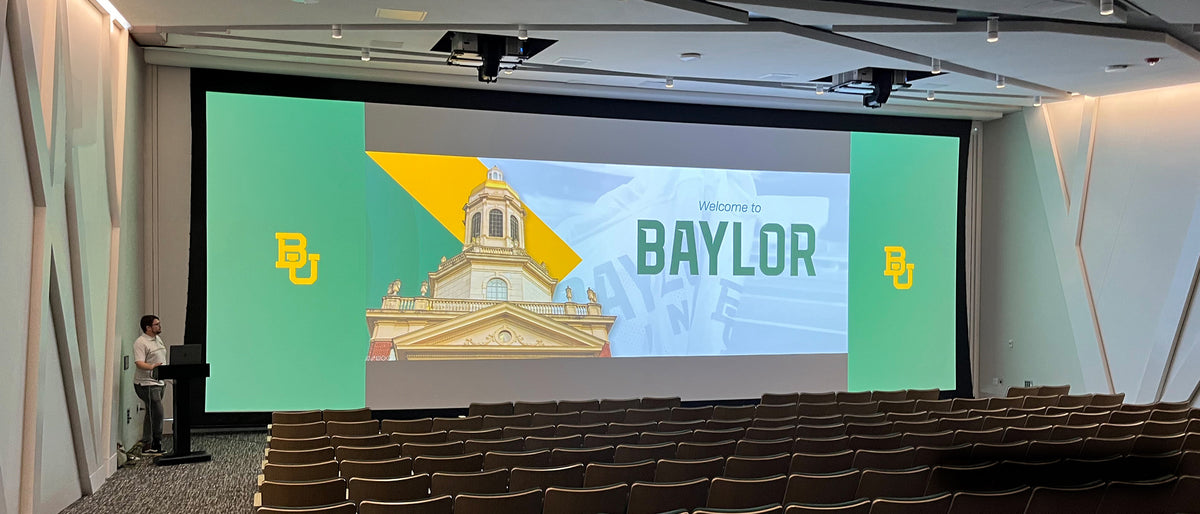
Plan for the whole audience.
For a classroom, boardroom or larger venue, start with viewing distance, content size and ambient light. Our team can help specify the projector, lens and mounting.
Buying questions answered
Should I choose an Epson home-theater or UST projector?
Choose by placement and intended use. An across-room home-theater installation and a front-of-room UST installation require different screen, furniture and mounting plans. Start with the available lens position and image size, then compare Epson models that fit. Do not assume that a screen or mount suitable for one Epson range transfers to another.
Further reading: Projector buying guide
What does 3LCD tell me about an Epson projector?
3LCD identifies the imaging system; it does not establish every aspect of picture quality or connectivity. Compare color accuracy, contrast, brightness in useful modes and the exact model’s supported inputs. Our LS12000 review provides a model-specific example of how those factors work together. Avoid extending its findings to every Epson projector or every generation.
Further reading: Supporting guide
What should I check for gaming on an Epson projector?
Confirm the resolution and refresh rate your source will output, which HDMI inputs support that signal, and input lag in the intended operating mode. Check whether required image adjustments or processing affect the gaming setup. Also plan the cable length and audio route. A 4K label alone does not establish high-refresh gaming performance for a particular model.
Further reading: Projector buying guide
Can I replace an older Epson projector without moving the mount?
Possibly, but compare installation drawings before ordering. Check the new lens’s throw range, shift limits, chassis dimensions, mount compatibility and ventilation. Use the existing lens-to-screen distance and image size as inputs. A replacement in the same brand can still require a different bracket, lens position, power arrangement or cable connection.
Further reading: Projector buying guide
How should I compare an Epson LS12000 or QB1000 with a JVC projector?
Start with your room, screen size, sources and budget, then compare evidence for the exact models. For movies, examine black levels, HDR handling and usable light output; for gaming, check supported signals and input lag. Verify lens range and installation fit before choosing. Our LS12000 and NZ700 reviews explain how we assess individual models, but they do not establish a direct QB1000-versus-NZ800 winner. Use a current head-to-head review for that claim.
Further reading: Supporting guide · Supporting guide
How should I compare the Epson options?
For Epson, compare the exact configurations rather than the category label alone. Current example listings include “Epson LS12000 4K Home Theater Laser Projector with 2700 Lumens - Black - [Manufacturer Refurbished]” and “Epson LS11000 4K Laser Projector with 2500 Lumens - White - [Manufacturer Refurbished]”. Use their individual specifications to separate differences in size, construction, source compatibility or supplied components. Start with the configuration that solves the job in your room, then compare the relevant alternatives. Collection membership is not verification of every feature implied by the category name.
Further reading: Product specifications · Product specifications


