



STANDARD THROW PROJECTORS
THE RIGHT PICTURE.
FOR YOUR SPACE.
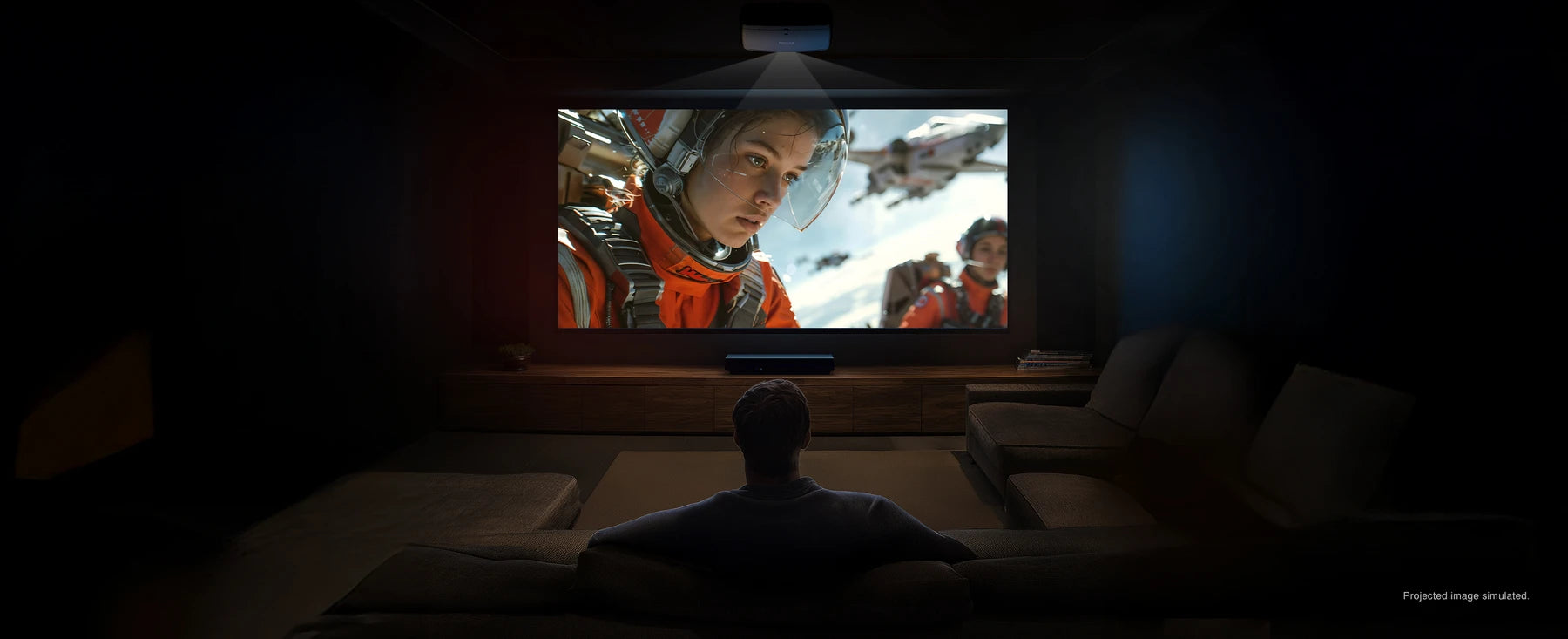
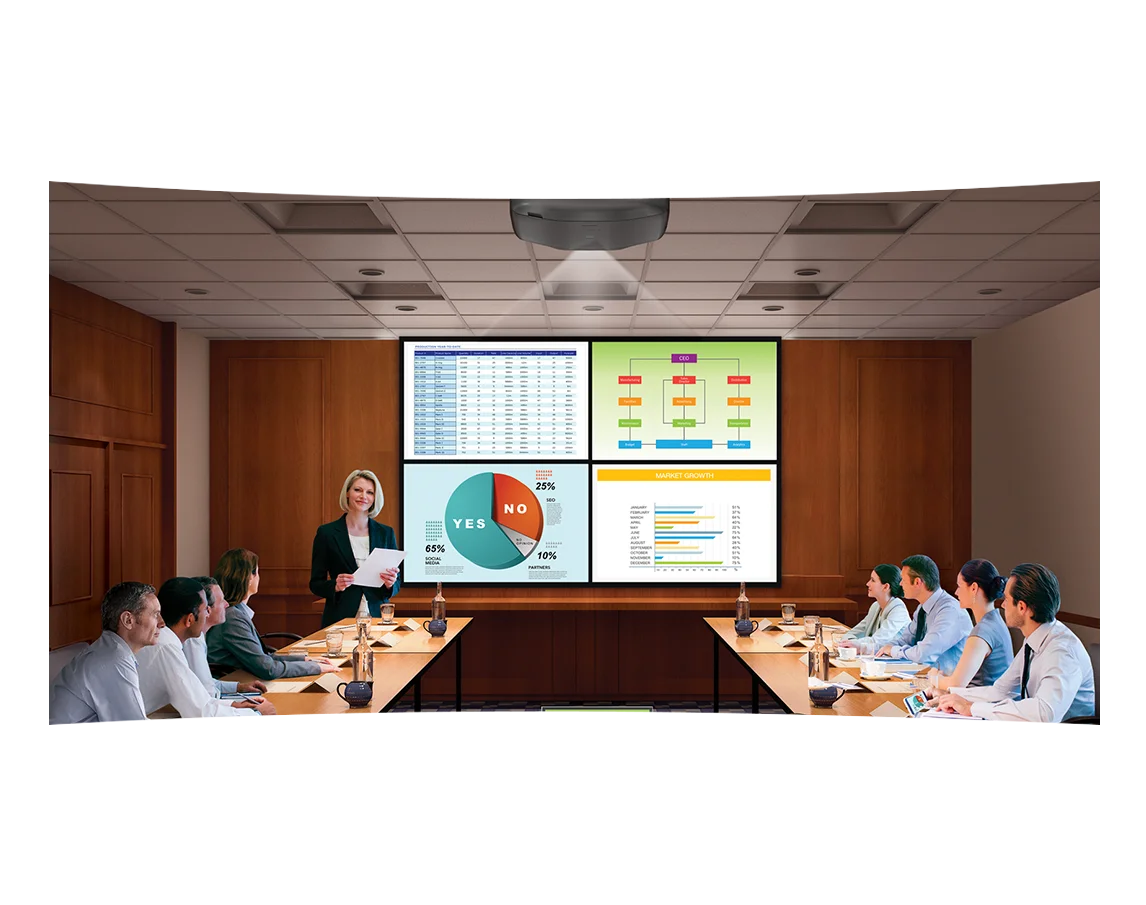
From home theaters to meeting rooms, find a standard throw projector that fits your screen, your setting and the way you use it.
FIND YOUR FIT
LESS ROOM BETWEEN
PROJECTOR AND SCREEN?
Standard throw suits setups with room for a longer projection path. If your projector needs to sit closer to the screen, explore these alternatives.
Standard Throw Projectors
Buying questions answered
How far back should a standard-throw projector be mounted?
The correct distance is determined by the projector’s lens and your image width, not by a universal room-size rule. Multiply image width by the model’s minimum and maximum throw ratios to estimate its lens-position range. A 100-inch-wide image with a 1.4–2.1:1 lens range needs approximately 140–210 inches between lens and screen. These are example values, not specifications for every model.
Further reading: Projector buying guide
Can I place the projector on a shelf behind the sofa?
Possibly, but check the lens height and supported mounting orientation as well as distance. A shelf can put the lens above or below the model’s usable offset and lens-shift range. Record the proposed shelf height, distance to the screen and available depth, then compare all three with the installation drawing before ordering a bracket or building cabinetry.
Further reading: Projector buying guide
What is the difference between lens shift and keystone correction?
Lens shift repositions the image optically within the lens’s supported range. Digital keystone reshapes the image electronically to compensate for an angled setup. For a permanent installation, start with physical alignment and use supported optical adjustments. Do not assume a model with automatic keystone also has optical lens shift or that either feature fixes an unsuitable throw distance.
Further reading: Projector buying guide
Can a standard-throw projector use any ALR screen?
No. Check the screen material’s required throw ratio, projector position and viewing cone. A material designed for UST light arriving from below is not automatically suitable for a projector across the room. Before choosing an ALR screen, identify where the windows and lamps are relative to the lens and viewers. The screen and projector need to be selected as a compatible pair.
Further reading: Supporting guide
How do I calculate throw distance from the lens ratio?
Multiply the image width by the throw ratio, using the same units. A 120-inch 16:9 image is about 104.6 inches wide, so a 1.5 to 2.0 lens range corresponds to roughly 157 to 209 inches from lens to screen. This is a geometry example, not a recommendation for every model. Check the actual lens chart and allow for chassis depth, connectors and ventilation beyond the lens position.
Further reading: Projector buying guide
Can I use standard throw in a room with low ceilings?
Check the required image height and the projector’s optical offset or lens-shift range at the planned distance. Then include the mount and chassis dimensions below the ceiling. If a suitable lens position leaves the projector in a walkway or below a ceiling fan, a different mount, image size or projector may be needed. A shorter mount alone does not guarantee that the lens can place the image where you want it.
Further reading: Projector buying guide
Does a long-throw setup need a special HDMI cable?
It needs a cable system that supports the intended signal over the actual installed length. Check resolution, refresh rate, HDR and control needs through the entire source, receiver and projector chain. Long active or optical runs may be directional and may have specific power requirements. Test the full system before concealing the run, and leave a serviceable cable path where the installation permits it.
Further reading: Projector buying guide
How should I compare standard throw with short throw for a theater?
Begin with the available lens positions and required image width. Standard throw can suit a rear shelf or ceiling location; short throw can solve limited depth, but changes the screen compatibility and placement requirements. Compare the actual models for contrast, usable brightness, focus and lens adjustments after establishing fit. Throw type describes optical geometry and does not by itself rank picture quality.
Further reading: Projector buying guide


