




PROJECTOR SCREENS FOR EVERY SPACE
A BETTER VIEW STARTS HERE.
Find the screen that fits your room, your projector, and the way you watch.
START WITH YOUR SPACE
A SCREEN FOR YOUR SPACE.

Retractable Projector Screens
Shop this type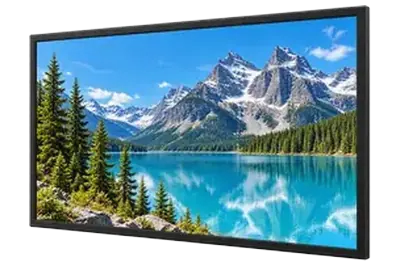
Fixed Frame Projector Screens
Shop this type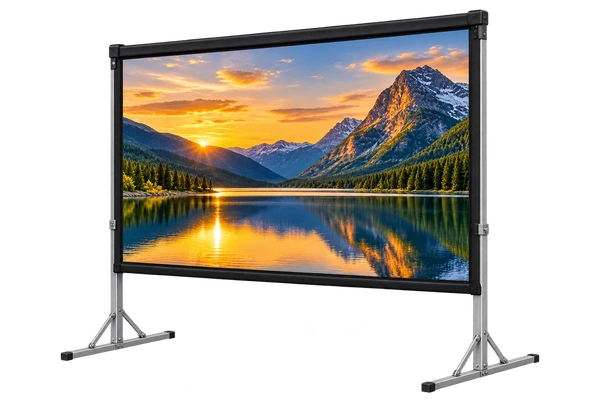
Folding-Frame Projector Screens
Shop this type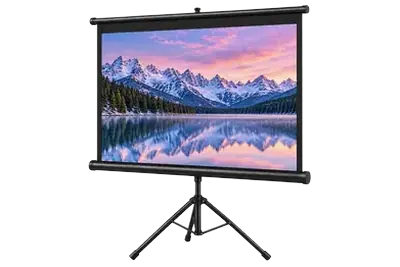
Portable Projector Screens
Shop this type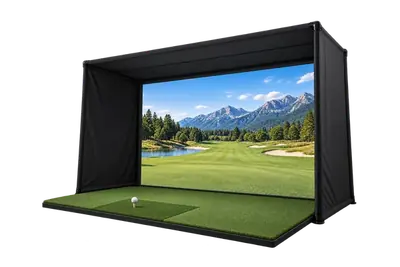
Golf Simulator Screens
Shop this type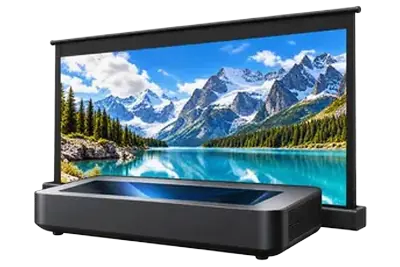
Ultra Short Throw Projector Screens (UST)
Shop this type
Projector Screen Paint
Shop this type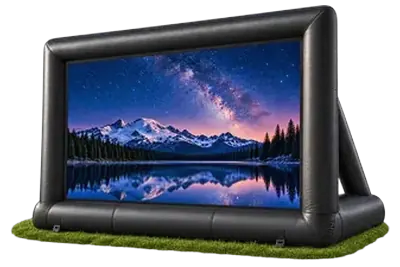
Inflatable Projector Screens
Shop this type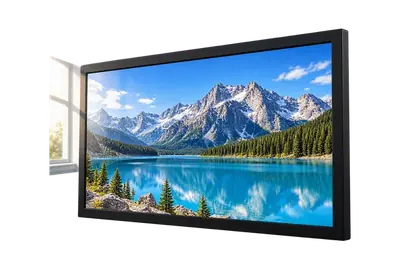
Ambient Light Rejecting (ALR) Projector Screens
Shop this type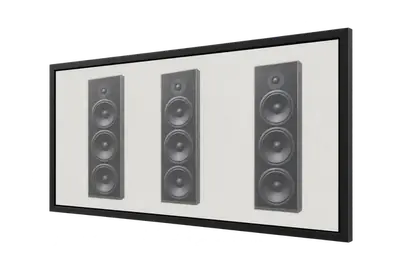
Acoustically Transparent Projector Screens
Shop this typeEXPERT HELP, BEFORE YOU BUY
LET’S GET YOUR WHOLE SETUP RIGHT.
Share your projector model, room dimensions, and light conditions. Our team can help you choose the right screen and plan the installation.
Talk to a screen expertMatch your projector
Throw distance and light angle come first.
Work with your room
Lighting, wall space, and seating shape the choice.
Plan the installation
Consider the frame, mount, and space around the screen.
Projector Screens
Buying questions answered
What is the best screen for a home theater?
Start with the room. In a dedicated dark room, compare compatible surfaces for image uniformity and detail from every seat. In a room with lights or windows, examine the remaining light directions before choosing an ALR material. If speakers must sit behind the image, investigate acoustic transparency. Then choose a fixed or retractable structure that fits the room. The best screen is the combination that solves those requirements together.
Further reading: Screen buying guide · Supporting guide
What size projector screen do I need?
Choose image size alongside screen material and projector placement. First mark the usable wall area and test the proposed image outline from your seats. Then check whether your projector can fill it and whether the material suits your lighting and projector position. Screen diagonal describes the image, not the complete frame or housing. Check overall dimensions before deciding that a screen will fit.
Further reading: Screen buying guide
Do I need a fixed-frame or retractable screen?
Choose fixed frame when the image can remain on the wall and you want the surface ready for every viewing session. Choose retractable when the room must serve another purpose or the screen needs to clear a window, television or storage. For a retractable model, compare housing location, power, tensioning and deployed dimensions, including the complete housing or frame size.
Further reading: Screen buying guide
What makes a projector screen suitable for 4K or 8K?
A suitable screen preserves the projected pixels and their geometry so that fine detail remains resolved in the reflected image. Surface texture can distort or scatter the light from small pixels, soften their edges and reduce the effective resolution you see. Our projection-surface comparison illustrates this with close-up images of textureless and textured materials. For a high-resolution setup, evaluate the specific surface’s ability to preserve pixel detail rather than assuming every white surface performs the same. Screen material is part of delivering the projector’s resolution to the viewer.
Further reading: Pixel geometry and screen texture
When do I need a specialty screen material?
Choose a specialty material to solve a specific problem. ALR addresses suitable off-axis room light; an acoustically transparent surface allows appropriate speaker placement behind the image; rear-projection material supports a projector behind the screen. Those properties are separate. Ask for compatibility with the exact installation rather than assuming one premium material provides every feature.
Further reading: Screen buying guide
How much should I budget for a projector screen?
Price depends on the complete configuration: image size, surface, frame or housing, tensioning, motor and controls. Compare current listings for the same requirements, then include brackets, power, installation and any necessary accessories. A basic manual screen and a recessed motorized optical screen solve different problems. Choose the least expensive configuration that meets your actual image and installation needs; a broad category-wide price range is not a reliable quote.
Further reading: Screen buying guide
Does a projector screen make a difference compared with a painted wall?
A suitable screen gives you a surface selected for projection, including its texture, color, light distribution and flatness. Wall texture, unevenness or an unsuitable paint color can interfere with the image. A screen is not automatically better simply because it costs more: choose material compatible with the projector and room. Compare the actual surface at your seating distance, especially if you are considering an optical material for ambient light.
Further reading: Screen buying guide · Supporting guide
What is projector screen gain?
Gain describes how brightly a screen reflects projected light in a specified viewing direction relative to a reference surface. It is not a resolution rating or a universal quality score. A material that concentrates more light toward central seats may look different from off-center seats. Evaluate gain together with viewing angle, brightness uniformity, projector position and room lighting; choosing the highest number alone can produce the wrong screen for your layout.
Further reading: Screen buying guide
Can I keep my screen when I upgrade the projector?
Often, but check what the upgrade changes. A move from an across-room projector to UST changes the light path, while higher resolution makes preservation of fine pixel detail especially important. Compare the existing surface, image size and mounting position with the new projector’s requirements. Test a material sample with the proposed projector where possible. A screen that still fits the wall may need a different surface to deliver the new system’s image quality.
Further reading: Screen buying guide · Pixel geometry and screen texture
What information helps you recommend a screen for my room?
Send the projector model, proposed image width or diagonal and aspect ratio, lens location, seating positions and photographs showing windows and lamps. Include the usable wall dimensions, ceiling height and whether the screen must retract. Tell us if speakers will sit behind the image. These details let us check optical compatibility, viewing angles and physical fit together, rather than choosing a screen from its diagonal or gain alone.
Further reading: Screen buying guide


